

Introduction: The Productivity Revolution Is Here
What if you could finish your entire day’s work before lunch?
In today’s fast-paced digital world, time is the most valuable asset. Yet, most professionals still spend hours on repetitive tasks—writing emails, creating content, managing workflows, editing videos, and analyzing data. This is exactly where Artificial Intelligence (AI) steps in.
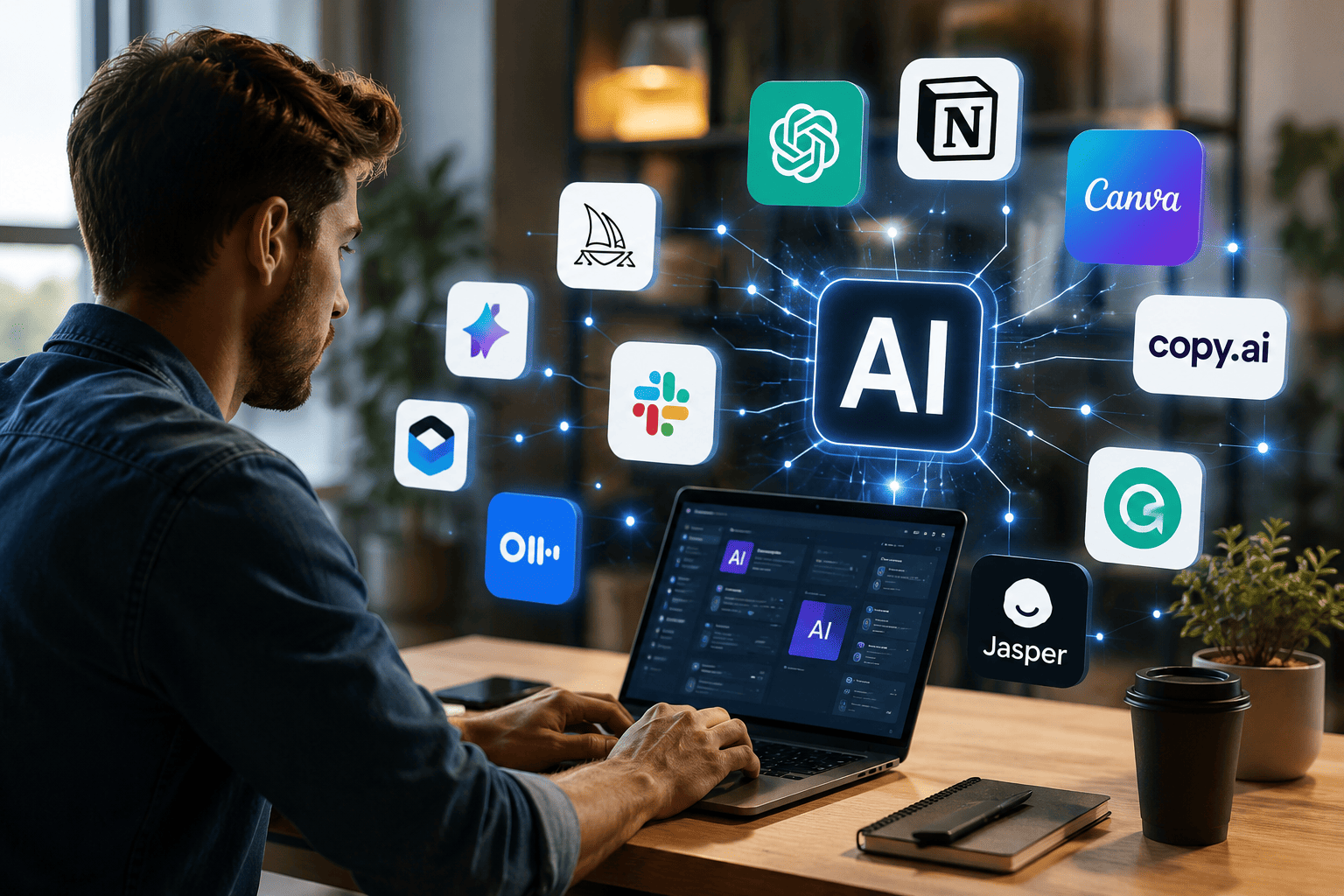
AI tools are no longer futuristic concepts—they are practical solutions used by millions to automate tasks, increase efficiency, and unlock creativity. Whether you’re a freelancer, entrepreneur, student, or corporate professional, leveraging AI can help you work smarter, not harder.
In this comprehensive guide, you’ll discover 25 AI tools that will make you work 10X faster, categorized for easy understanding, along with practical insights, real-world use cases, and actionable tips.
What Makes AI Tools So Effective?
Before diving into the list, let’s understand why AI tools are so powerful.
Key Advantages of AI Tools
- Automation of repetitive tasks
- Faster decision-making through data insights
- Improved accuracy and reduced human error
- Enhanced creativity and idea generation
- Scalability for businesses and individuals
AI doesn’t replace humans—it amplifies human potential.
1. AI Writing & Content Creation Tools
Content creation is one of the most time-consuming tasks. These AI tools simplify writing, editing, and brainstorming.
1. ChatGPT
A versatile AI assistant that helps with writing, research, coding, and problem-solving.
Best for:
- Blog posts
- Email writing
- Brainstorming ideas
2. Jasper AI
Designed for marketers and businesses, Jasper excels in creating persuasive content.
Use cases:
- Sales copy
- Landing pages
- Ad campaigns
3. Copy.ai
Perfect for quick content creation with ready-to-use templates.
Highlights:
- Social media captions
- Product descriptions
4. Writesonic
An AI tool focused on SEO-friendly content and long-form articles.
Key benefit: Helps rank content on search engines.
5. Grammarly AI
More than grammar correction—it improves tone, clarity, and engagement.
2. AI Design & Creativity Tools
Visual content is essential in today’s digital world. These tools help you design without needing advanced skills.
6. Canva AI
A beginner-friendly design platform with AI-powered features.
What you can create:
- Social media posts
- Presentations
- Marketing materials
7. MidJourney
Generates high-quality images from simple text prompts.
8. DALL·E
Transforms ideas into visuals instantly, perfect for creative professionals.
9. Looka
An AI logo generator for startups and small businesses.
10. Remove.bg
Removes image backgrounds automatically within seconds.
3. AI Video & Audio Tools
Video content is booming, and AI makes production faster and easier.
11. Pictory
Converts blog posts into engaging videos.
12. Synthesia
Creates professional videos using AI avatars.
13. Descript
Edit audio and video by editing text—simple and powerful.
14. Murf AI
Generates realistic voiceovers for videos and presentations.
15. Runway ML
Advanced video editing with AI-powered effects.
4. Productivity & Automation Tools
These tools help streamline workflows and improve efficiency.
16. Notion AI
An all-in-one workspace with AI assistance for notes, tasks, and content.
17. Zapier
Automates workflows by connecting different apps.
Example: Automatically save email attachments to Google Drive.
18. Trello AI
Task management with smart automation features.
19. ClickUp AI
Combines project management with AI-powered insights.
20. Motion
An AI scheduling assistant that organizes your day automatically.
5. Marketing & SEO Tools
Marketing requires data, creativity, and consistency. These AI tools simplify the process.
21. Surfer SEO
Optimizes content for better search engine rankings.
22. SEMrush AI
Provides keyword research, competitor analysis, and SEO insights.
23. HubSpot AI
An all-in-one marketing automation platform.
24. Mailchimp AI
Smart email marketing with automation and personalization.
6. Coding & Development Tools
Developers can now code faster and smarter with AI assistance.
25. GitHub Copilot
An AI-powered coding assistant that suggests code in real-time.
Comparison Table of AI Tools
| Category | Tool | Primary Benefit |
| Writing | ChatGPT | Fast content creation |
| Design | Canva AI | Easy graphic design |
| Video | Synthesia | AI video creation |
| Productivity | Notion AI | All-in-one workspace |
| SEO | Surfer SEO | Content optimization |
| Development | GitHub Copilot | Faster coding |
How to Choose the Right AI Tool
Choosing the right AI tool depends on your specific needs.
Consider These Factors
- Purpose: Writing, design, marketing, or coding
- Budget: Free vs paid tools
- Ease of use: Beginner-friendly or advanced
- Integration: Compatibility with your existing tools
Practical Ways to Use AI for Maximum Productivity
1. Automate Repetitive Tasks
Use tools like Zapier to eliminate manual work.
2. Combine Multiple Tools
Example workflow:
- ChatGPT for writing
- Canva for design
- Surfer SEO for optimization
3. Focus on High-Value Work
Let AI handle routine tasks while you focus on strategy and creativity.
4. Set Clear Goals
Define what you want to achieve with AI tools to maximize results.
Real-World Example
A freelance digital marketer implemented AI tools in their workflow:
- Used ChatGPT for content creation
- Canva for graphics
- Surfer SEO for optimization
Outcome:
- Reduced workload by 60%
- Increased productivity significantly
- Doubled monthly income within months
Common Mistakes to Avoid
- Over-relying on AI without human editing
- Using too many tools at once
- Ignoring data privacy and security
- Not learning how the tools work properly
Future of AI in Productivity
AI is evolving rapidly. In the near future, we can expect:
- Smarter automation
- Personalized AI assistants
- Improved accuracy and creativity
- Deeper integration into daily workflows
Those who adopt AI early will have a significant competitive advantage.
Frequently Asked Questions (FAQs)
1. Are AI tools really effective?
Yes, they significantly reduce time spent on repetitive tasks and improve efficiency.
2. Can AI replace human workers?
No, AI is designed to assist humans, not replace them entirely.
3. Are these tools free to use?
Many tools offer free versions, but advanced features often require payment.
4. Which AI tool is best for beginners?
ChatGPT and Canva AI are excellent starting points.
5. Is AI safe for business use?
Yes, but always verify outputs and ensure data privacy.
6. How can AI improve SEO?
AI tools help optimize content, analyze keywords, and improve rankings.
7. Do I need technical skills to use AI tools?
Most modern AI tools are user-friendly and require little to no technical expertise.
Key Takeaways
- AI tools can increase productivity up to 10X
- Different tools serve different purposes
- Combining tools creates powerful workflows
- Automation is the future of work
Conclusion: Start Working Smarter Today
The world is changing—and so is the way we work.
AI tools are no longer optional; they are essential for anyone who wants to stay competitive how PopAI helps students in their studies in 2026 and beyond. By integrating the right tools into your workflow, you can save time, reduce stress, and achieve more in less time.
Start with one or two tools, experiment, and gradually build your AI-powered system.
Because in the end, success isn’t about working harder—it’s about working smarter.
Your 10X productivity journey starts today.