


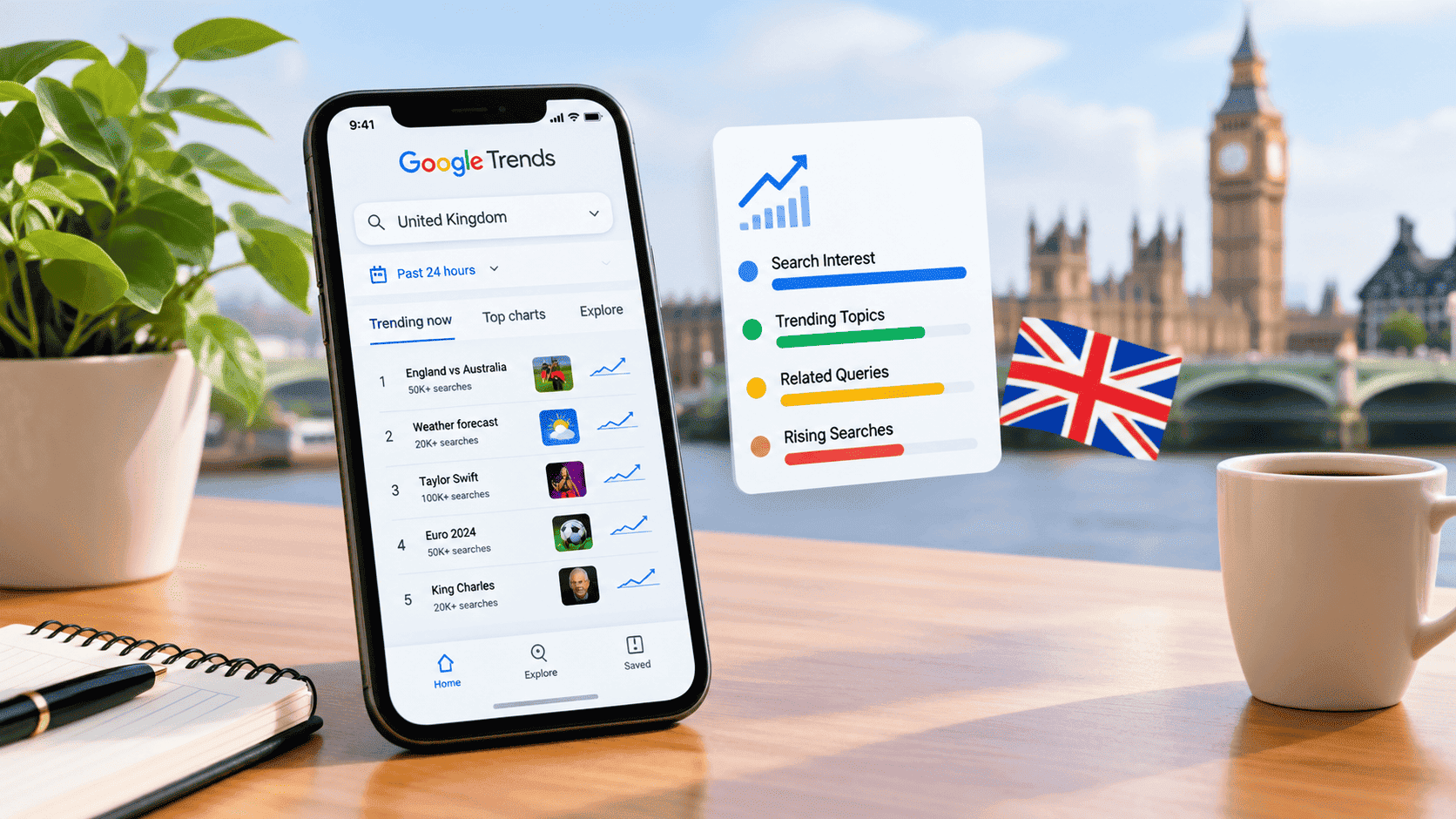
If you want to know what people in the United Kingdom are searching for right now, Google Trends UK Today is one of the most useful places to start. Instead of relying on assumptions about what is popular, Google Trends lets you explore changes in search interest and see which queries are suddenly attracting attention.
The important thing is to understand what the data actually means. A topic appearing in Google Trends does not automatically mean it is the most searched subject in the UK overall. Google Trends focuses on changes in search interest, and its Trending Now experience is designed to surface searches experiencing a recent increase in attention.
For anyone researching UK news, content ideas, SEO opportunities, audience interests, or emerging stories, this distinction can make the difference between useful trend analysis and misleading conclusions.
What Is Google Trends UK Today?
Google Trends UK Today refers to using Google Trends with the United Kingdom selected as the location and a current timeframe such as the past few hours or past 24 hours.
Google’s Trending Now page allows users to select the United Kingdom and examine searches that are currently experiencing increased interest. The page can display trend status, approximate search volume ranges, when a trend started, and related searches associated with a trend.
Google also explains that a single trend can represent several related queries rather than just one exact phrase. This means a trending item may reflect a broader developing story or subject.
Google Trends UK Today at a Glance
These features make Google Trends more useful for identifying what is gaining attention, rather than simply creating a list of the biggest keywords.
How to Check Google Trends UK Today
Checking current UK trends is straightforward.
Step 1: Open Google Trends
Go to Google’s official Google Trends website and open the Trending Now section.
Step 2: Select the United Kingdom
Set the trend location to the United Kingdom. Google Trends supports trend exploration across more than 100 countries and regions where applicable.
Step 3: Choose a Recent Timeframe
For genuinely current trends, select a short period such as:
- Past 4 hours
- Past 24 hours
- Past 48 hours
- Past 7 days
The shorter timeframe is particularly useful when you are investigating breaking stories or sudden changes in public interest.
Step 4: Filter the Results
You can refine the results by options such as category, trend status, timeframe, and sorting method.
Google’s Trending Now interface also allows users to sort trends by relevance, title, recency, or search volume.
Step 5: Investigate the Trend
Do not stop at the headline query.
Click into a trend and examine its trend breakdown. This can reveal the searches associated with the trend and provide additional context about why people may suddenly be searching for it.
What Is Trending in the UK Today?
The exact list of trending searches changes throughout the day, so a static article should not pretend that today’s list will remain accurate tomorrow.
For example, the current Google Trends UK page can include rapidly developing interests related to sports, entertainment, weather, public events, and breaking news. The results can change as new events develop and public attention moves elsewhere.
For that reason, the best way to check Google Trends UK Today is to use Google’s live Trending Now page rather than relying on an old screenshot or a copied list from another website.
Google Trends UK Today vs. Most Searched Keywords
One of the most important things to understand is that trending does not necessarily mean most searched.
A query can suddenly become popular because of a breaking event, even if it normally receives very little attention.
Imagine a relatively unknown person becomes the subject of major UK news. Searches for that person’s name could increase dramatically within a few hours. Google Trends may identify that sudden increase as a trend even though the person would not normally appear among the UK’s most consistently searched subjects.
This is why Google Trends is particularly valuable for finding changes in search behaviour.
Google describes Trending Now as showing search queries experiencing a recent surge in search interest, often connected with a newsworthy story or developing event.
How Google Trends Measures Search Interest
Google Trends does not simply provide a raw database of every Google search.
According to Google’s explanation of Trends data, Google Trends uses an anonymized and aggregated sample of actual search requests. The data is normalized so that interest can be compared more meaningfully across locations and time periods.
This means a Trends graph should be interpreted as relative search interest, not as an exact statement that a specific number of people searched for something.
For example, a value of 100 on a Trends graph represents the peak popularity for the selected term, location, and timeframe. It does not mean that exactly 100 people searched for it.
That distinction is essential when using Google Trends for research or publishing.
What Does “Rising” Mean in Google Trends?
Google Trends also provides Rising searches.
According to Google’s documentation on related searches, Rising searches are queries experiencing significant growth compared with the previous period. Google can show a percentage increase, while the label Breakout indicates growth of more than 5,000%.
This can be particularly useful when researching emerging subjects.
For example:
A topic that has suddenly increased by several hundred percent may deserve attention even if its overall search volume is smaller than a long-established keyword.
That is one reason marketers, publishers, journalists, and researchers often look beyond simple search-volume lists.
How to Use Google Trends UK Today for SEO
Google Trends can be useful during keyword research, but it should not replace proper keyword analysis or a broader SEO optimization strategy.
1. Find Emerging Topics
A sudden increase in UK search interest can reveal subjects that are becoming relevant to an audience.
If the trend matches your website’s niche, it may provide an opportunity to create genuinely useful content while interest is developing.
2. Compare Keyword Variations
Google Trends allows users to compare search terms, making it a useful addition to a broader keyword research process.
For example, you might compare two different ways of describing the same subject to see which wording has greater search interest over a selected period.
Google notes that search terms and topics are not identical. A search term represents the exact wording entered, while a topic can group related searches around a broader concept.
3. Identify Seasonal Interest
Not every trend is breaking news.
Some searches increase because of predictable seasonal events, holidays, sporting competitions, school schedules, weather patterns, or annual occasions.
Looking at a longer timeframe can help distinguish a temporary spike from a recurring pattern.
4. Find Content Angles
Instead of copying a trending query into a headline, investigate the reason behind the trend.
Ask:
- What happened?
- What information are people looking for?
- What questions remain unanswered?
- Is the interest likely to last?
- Can I provide information that existing pages do not explain clearly?
This approach produces much stronger content than simply inserting a trending keyword into an article.
How to Find Related UK Searches
Google Trends provides related searches when you explore a term.
Its documentation distinguishes between Top searches and Rising searches. Top searches are frequently searched alongside the term, while rising searches have experienced significant growth during the selected period.
This can help you build a broader understanding of a subject.
For example, instead of writing an article around one phrase, you might discover:
- related questions
- alternative wording
- developing news angles
- associated people or organizations
- location-specific interest
- emerging subtopics
That information can make an article more comprehensive without forcing keywords into every paragraph.
Google Trends Search Term vs. Topic
This is an area where many beginners misunderstand Google Trends.
A search term measures the specific words entered into Google. A topic groups searches that represent the same broader concept, including variations across languages and wording.
Search Term
A search term is useful when you want to study a precise phrase.
For example:
“Google Trends UK Today”
This focuses on that particular wording and related searches according to the selected search settings.
Topic
A topic is more useful when you want to understand interest in a broader concept or entity.
Google recommends selecting a topic when one is available and when you want a more comprehensive picture of interest.
Choosing the correct option can significantly affect the results you see.
Why Google Trends Results Can Change So Quickly
Search behaviour is influenced by real-world events.
A football match, celebrity announcement, weather warning, political development, television programme, public event, or breaking news story can cause search interest to change within minutes.
Google’s Trending Now system is designed for this type of recent movement. Google says its data is refreshed on average every ten minutes, although individual trends and updates can vary.
That is why a list of “UK trending searches today” can become outdated surprisingly quickly.
Does Google Trends Show Exact Search Volume?
No.
Google Trends provides normalized and aggregated data rather than presenting an exact count of every search.
Google states that Trends uses a sample of searches and normalizes the data to make comparisons possible. It also filters certain searches, including very low-volume queries.
Therefore, avoid statements such as:
“Exactly 50,000 people searched for this keyword.”
unless you have a separate reliable source providing that figure.
A more accurate description would be:
“Google Trends indicates a significant increase in search interest.”
That wording reflects what the tool actually measures.
Can Google Trends UK Today Help Bloggers and Publishers?
Yes, particularly when it is used as a research tool rather than a shortcut to traffic.
A publisher can use current UK trends to identify:
- Emerging stories
- New questions people are asking
- Seasonal opportunities
- Changing terminology
- Related topics
- Geographic differences
- Potential content gaps
However, publishing a shallow article simply because a keyword is trending is unlikely to provide lasting value.
A stronger approach is to combine the trend signal with original explanation, reliable sources, useful examples, and clear answers.
How to Turn a Trending Search Into a Better Article
Suppose you discover a rapidly increasing UK search.
Do not immediately write 1,000 words repeating what everyone else has already published.
Instead, use this process:
Identify the Trigger
Find out why the search has increased.
Check Reliable Sources
Look for authoritative information about the event or subject.
Examine Related Searches
Use Google Trends to discover the questions and associated searches appearing around the topic.
Look for an Information Gap
Ask what existing pages fail to explain.
Create a Useful Angle
Your article might focus on:
- what happened
- what it means
- who is affected
- important dates
- official information
- frequently asked questions
- historical context
- what readers should know next
This gives the article a reason to exist beyond the keyword itself.
Google Trends UK Today for Local Research
Google Trends can also help identify differences in search interest by location.
Google explains that regional Trends data can show areas where a term has relatively greater search popularity. Importantly, a region with little visual emphasis does not necessarily mean nobody searched for the term; the data is relative and adjusted.
This can be useful for researching UK audiences at a regional level when the available data supports that level of detail.
Common Mistakes When Using Google Trends
Mistake 1: Treating Trends as Exact Search Volume
Trends is not a traditional keyword-volume database.
Mistake 2: Confusing Trending With Popular
A sudden spike and long-term popularity are different things.
Mistake 3: Publishing Every Trending Topic
Not every trend is relevant to your audience or website.
Mistake 4: Ignoring the Reason Behind a Trend
The query itself rarely tells the complete story.
Mistake 5: Using Old Trend Lists as Current Data
Today’s trends can change quickly, so always check the current Google Trends page when freshness matters.
Mistake 6: Confusing Autocomplete With Google Trends
Google explains in its Autocomplete documentation that autocomplete predictions and Google Trends are different systems and should not be treated as equivalent.
Best Way to Use Google Trends UK Today
For the most reliable workflow, combine several parts of Google Trends:
Trending Now → identify the spike → examine the trend breakdown → check related searches → compare terms or topics → investigate the underlying story → verify information with authoritative sources → create useful content.
This approach is much more effective than copying a list of trending keywords.
Frequently Asked Questions
What is Google Trends UK Today?
It is the use of Google Trends with the United Kingdom selected to examine current search trends and changes in search interest.
Where can I see UK trending searches?
You can use Google’s official Trending Now page and select the United Kingdom as the location. The page provides current trend information and several filtering options.
How often does Google Trends update?
Google says Trending Now data is refreshed on average every ten minutes.
Does Google Trends show exact search numbers?
No. Google Trends uses an anonymized, aggregated sample and normalized data rather than providing a complete raw count of every search.
What is the difference between Top and Rising searches?
Top searches are frequently associated with the selected query or context, while Rising searches have experienced significant growth during the chosen period.
Can I use Google Trends for keyword research?
Yes. It can help identify emerging topics, compare search terms, discover related searches, and understand seasonal or geographic interest. It works best alongside other keyword and audience research methods.
Final Thoughts
Google Trends UK Today is most valuable when you use it to understand why search interest is changing, not simply to collect popular keywords.
The UK Trending Now page provides a live view of searches that are gaining attention. At the same time, Google Trends’ broader Explore features can help you compare terms, investigate regional interest, discover related searches, and examine trends over time.
For bloggers, publishers, marketers, journalists, and researchers, the strongest strategy is to treat Google Trends as an early signal and combine it with effective SEO content strategies. Find the emerging interest, investigate its context, verify the facts, and then provide something genuinely useful that readers cannot get from a copied trend list.
That is how a current search trend can become valuable, trustworthy content rather than just another keyword-focused page.